AegisAI Perspectives · 086
Choose school district email security by writing separate requirements for staff and student accounts, then testing both groups in one read-only trial.
Write one set of requirements for staff accounts and one for student accounts, then test both groups in a single trial. Eighty-seven percent of surveyed districts named phishing or email compromise as their most common incident6. AegisAI's Q3 2026 report found that 3 in 10 confirmed phishing emails cleared native Gmail and Microsoft filters18, and the criteria below apply to any product you test. For the sector overview, read how to choose email security for universities and K-12.
In Google Workspace for Education, all users in primary and secondary institutions who are not designated as over 18 default to under 18 and get a restricted experience in some services15. You mark teachers and staff as over 18 by putting them in an organizational unit or access group.
Write two lists: what staff accounts need (protection from payroll fraud and impersonation) and what student accounts need (phishing from inside the district).
Ask the vendor: can I see verdicts and settings for the staff group and the student group separately?
By default, people in a Google Workspace organization can exchange email with any address11. Google's own example is a school that lets students email school staff and fellow students only, and nobody outside the school. The setting applies to everyone in the organizational unit you pick, so the student unit gets its own rule. Internal messages between your organization's domains bypass the setting when you allow them.
In New Haven, at least four student accounts were compromised, and more than 10,000 emails went to students districtwide8. More than 1,000 students, about 10% of the student body, opened them.
Ask the vendor: does the product investigate mail sent from one student account to another in the same domain?
MS-ISAC told 808 of its 6,116 K-12 members that staff accounts or credentials were circulating on underground marketplaces3. In cases MS-ISAC tracked, an attacker phished one district account and used it to phish that account's contacts, including staff at other districts.
Those messages come from real accounts over authenticated email paths, which weakens the filters schools rely on5. Sender checks pass, so the product has to judge what the message asks the reader to do. For the settings that protect each staff account, read how schools stop account takeover of staff email.
Ask the vendor: how does the product flag a message from a known colleague's real account that asks staff to sign in?
66% of districts have just one or two people responsible for cybersecurity1.
Count the review queue during the trial. Record how many messages needed a person each week, and how long each one took.
Ask the vendor: what share of verdicts in a district our size needed a human to decide?
By default, Gmail displays warnings and moves untrustworthy emails to the spam folder17. Once an attack lands, the work is removal: New Haven's IT team had to scrub the emails from inboxes and secure the compromised accounts10.
In New Haven, four compromised accounts reached more than 10,000 student inboxes.
Ask the vendor: when a message is convicted after delivery, is it removed from every mailbox it reached, and how long does that take?
Does the product show your staff and student organizational units in Google Workspace as separate groups?
Does it investigate mail sent between accounts in your own domain, which a Gmail delivery restriction lets through?
Does it cover student accounts restricted to internal mail, as in Google's own school example?
Does it flag a message from a real colleague's account that asks staff to sign in, even when sender checks pass?
Can one or two people clear the weekly review queue, the staffing 66% of districts have?
Does a convicted message leave every mailbox it reached, without the manual scrub New Haven's IT team ran?
Does every verdict carry a reason in plain language that a teacher can read23?
Can you start in read-only monitoring mode and revoke write access from your own admin console21?
Does the trial include a sample of student mailboxes, since more than 1,000 New Haven students opened the phishing?
| Criterion | API-based | Gateway | Built-in platform controls | Managed service |
|---|---|---|---|---|
| Mail sent inside the domain | Reads mailboxes, so ask whether internal mail is in scope | Sees mail routed through it, so internal mail needs a separate path | Internal mail can bypass a delivery restriction | What the contract scopes |
| Staff and student groups | Ask for verdicts by group | Policies by domain or group | Settings by organizational unit | What the provider reports |
| Real accounts sending phishing | Needs to judge the request, since sender checks pass | Sender checks pass | Warnings and spam by default | The analyst's review |
| Admin time | Measure the weekly queue | Measure the quarantine queue | Measure the user reports | Hours in the contract |
| Removal after delivery | Needs write access through the API | Limited once the mail is delivered | Admin action per message | Done by the provider |
Illustrative example, figures are fictional. Pine Valley School District (fictional) has 900 staff and 9,500 students on Google Workspace for Education. Two IT staff run security from the Google Admin console. Students sit in their own organizational unit, restricted to mail inside the district. In week two of a read-only trial, one Grade 11 student account is compromised and sends 2,300 messages through Gmail to other students. Each message offers a paid summer job and links to a fake Google sign-in page. The product convicts the message within the trial and lists all 2,300 copies. The IT lead turns on removal for the student organizational unit, the copies leave every mailbox, and the account password is reset in the Admin console. The weekly review queue for both organizational units holds 14 messages that needed a person.
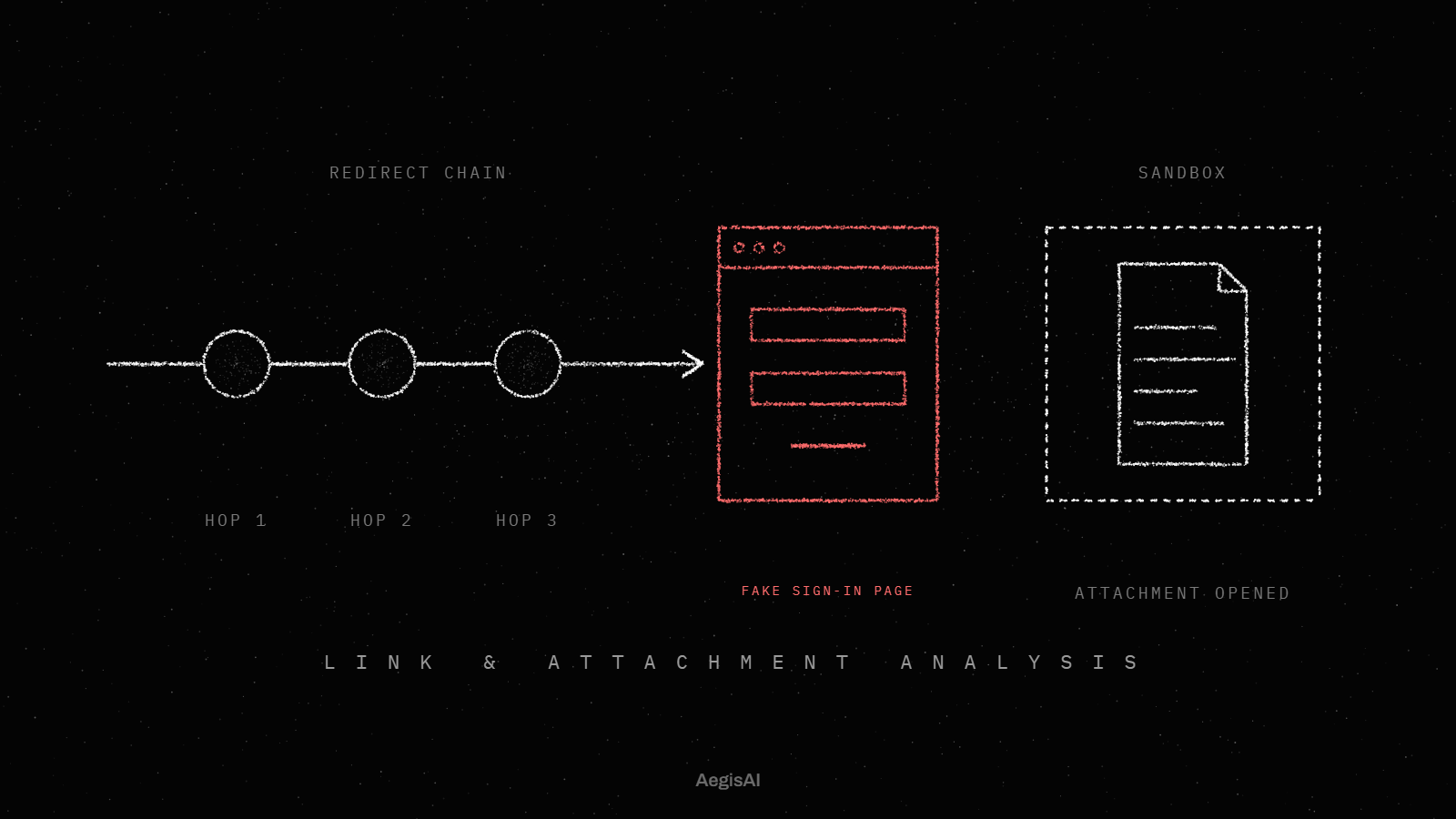
AI agents investigate every inbound email for what it is trying to do, and remove the ones that fail from every mailbox they reached19, as the inbound email security page describes. AegisAI reads mail through the Microsoft 365 or Google Workspace API after delivery, with no change to mail routing, and runs in monitoring mode first, where removal needs write access your admin grants and can revoke. One bad email is pulled from every inbox it reached, forwards included. Every verdict comes with its reason in plain language, and each alert gives a summary, the warning signs found and a recommended next step. AegisAI account takeover protection, in early access, weighs impossible travel, new devices, inbox rule changes and suspicious internal sends together per account25.
You can run that trial on your own tenant through the demo page. Ask the vendor to confirm in writing that student mailboxes and internal mail are in scope.
Write separate requirements for each group. Staff accounts need protection from account takeover, since 808 of 6,116 MS-ISAC K-12 members had staff credentials circulating. Student accounts need protection from phishing sent inside the district. Then test both groups in one read-only trial, and count the weekly review time.
No. A restriction to internal mail still lets messages between your own domains through. In New Haven, four compromised student accounts sent more than 10,000 emails to students. Ask whether a product reads internal mail.
Yes, if students have mailboxes in your tenant. More than 1,000 New Haven students opened phishing sent from compromised student accounts. Include a sample of student mailboxes in the trial.
Only if the review queue fits its hours. 66% of districts have one or two people responsible for cybersecurity. Measure the messages that need a person each week during the trial.
They come from real accounts over authenticated email paths. Sender checks pass, so a filter that trusts authentication lets them through. The product has to judge what the message asks the reader to do.
Run both groups together, read-only. Staff accounts are where takeover hopping between districts starts. Student accounts receive internal mail even when restricted to the district. Turn on removal for one group at a time once the verdicts hold up.