Automated Email Link and Attachment Analysis Guide
Learn how automated email link and attachment analysis helps security teams investigate every phishing attempt without adding analysts.
.png)
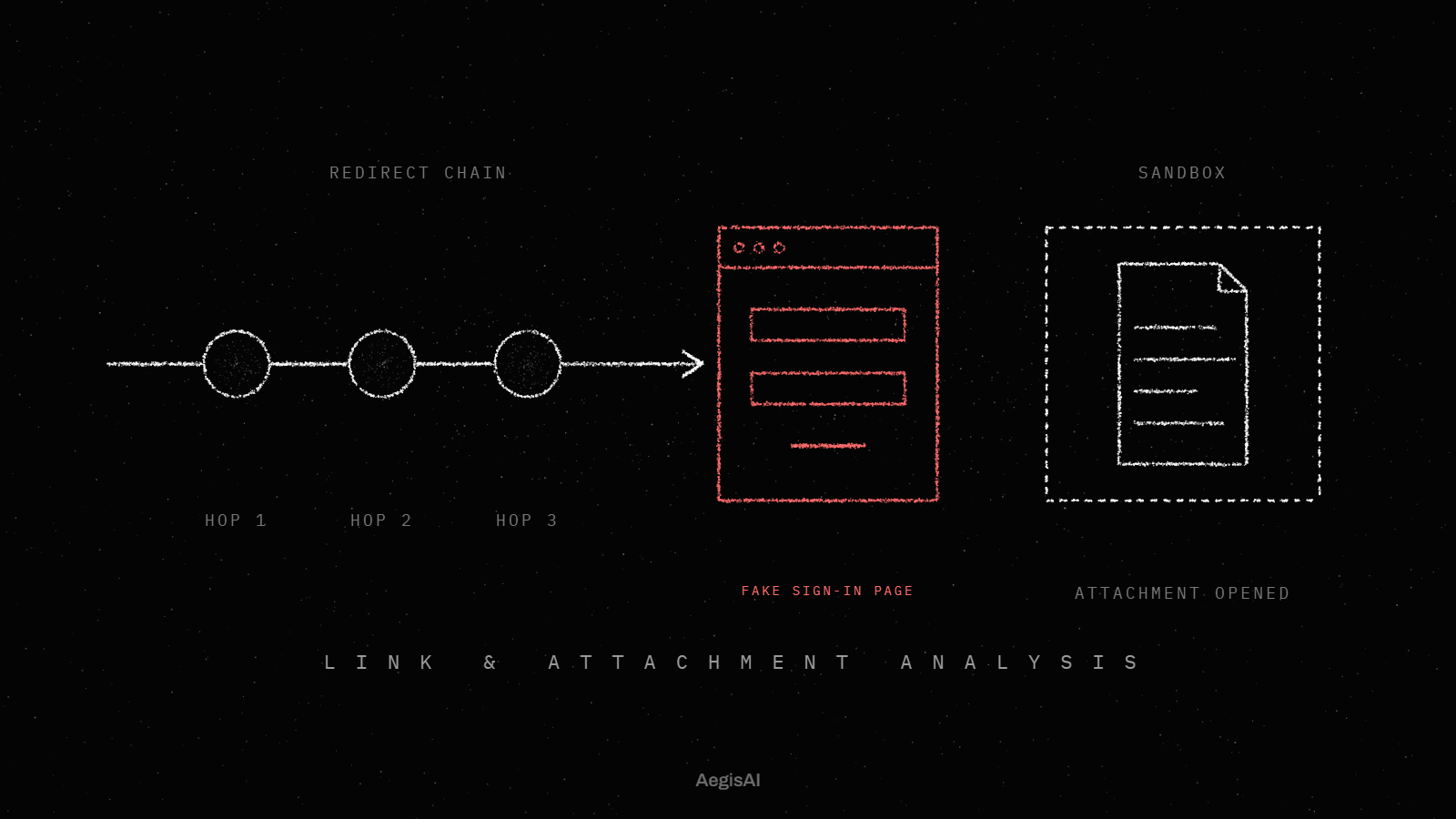
Security teams cannot manually open every attachment and follow every link in every email that reaches an inbox. Automated email link and attachment analysis solves this by having software traverse redirect chains, open embedded files, and surface the final malicious destination, then hand analysts an explainable verdict instead of a raw alert.
Key takeaways
- Modern phishing routes through redirect chains, QR codes, or CAPTCHA gates specifically to defeat manual and shallow automated review.
- Microsoft's Q1 2026 data shows 78% of email threats were link-based, and PDF attachments leading to CAPTCHA-gated sites rose 356% in March.
- AI-written phishing is harder to flag on language alone, so the destination matters more than the wording.
- Automated link and attachment analysis follows a chain to its final destination rather than stopping at the first URL or file layer.
- An explainable verdict with evidence supports faster remediation than an additional alert in a queue.
Why can't analysts keep up with every link and attachment?
Email volume has outpaced the number of people available to review it. A single reported message can contain a PDF, a shortened link, a redirect through a legitimate file-sharing service, and a CAPTCHA gate before it ever reaches a credential harvesting page. Checking all of that by hand takes time most teams do not have.
According to Microsoft's Q1 2026 email threat landscape report, 78% of email threats in the quarter were link-based, and PDF attachments leading to CAPTCHA-gated phishing sites more than quadrupled in March alone, up 356%. Credential phishing payloads rose from 89% of payload-based attacks in January to 94% by March. Attackers are not sending obvious malware. They are building multi-step paths designed to look clean at first glance.
What makes modern phishing links and attachments hard to investigate?
Attackers now assume that security tools and human reviewers will look at the first layer of a message. They design around that assumption.
Common evasion techniques include:
- Redirect chains that route through several domains before landing on the final page
- QR codes embedded in images or PDFs that hide the destination from text-based scanners
- CAPTCHA gates placed in front of credential harvesting pages to block automated crawlers and slow down manual review
- Link rewriting bypass, where the visible link text does not match the actual destination
- Dynamic payloads that change behavior or expire after a set time, making after-the-fact analysis harder
How does automated email link and attachment analysis actually work?
Automated investigation replaces manual, tool-hopping triage with a system that follows the full chain of a suspicious message on its own.
Link detonation: following the chain to the end
Link detonation email security means the system opens a link in an isolated environment and follows every redirect until it reaches the final page, rather than checking only the first URL. CaniPhish's documentation on AI-powered reported email analysis describes this process as unwrapping security-gateway rewrites, such as Microsoft Safe Links or Proofpoint URL Defense, so the analysis sees the link's true destination instead of the wrapper. The system then captures the full redirect journey, hosting and domain registration details, and any reputation matches, producing a single resolved verdict: malicious, suspicious, benign, or inconclusive.
Attachment phishing detection: opening what's hidden one layer down
Email attachment phishing detection requires opening the file itself, not just scanning its metadata. PDFs and HTML files can contain embedded links, scripts, or redirects that only appear once the document is rendered. CaniPhish's process extracts and analyzes any links found inside documents alongside the email's other links, then produces a verdict for each attachment: malicious, suspicious, or clean, with the specific items that triggered the flag.
Credential theft detection: reaching the final page
These chains share one goal: get a user to enter credentials on a fake sign-in page. Microsoft's Q1 2026 data shows credential phishing payloads either linked users to a hosted phishing page or loaded a spoofed sign-in screen locally on the device, often behind a CAPTCHA challenge designed to block automated scanners before the fraudulent page loads. Automated analysis has to get past that gate to confirm what's actually being harvested.
Why does this matter more with AI-generated phishing?
AI-written phishing is harder to flag on language alone. The wording of a message tells you less, and the destination it leads to tells you more.
This is the shift AegisAI's agents are built around: reasoning about who is asking for what, then following the evidence to a conclusion rather than matching against a static list.
What does phishing investigation automation look like in practice?
AegisAI's agents reason about who is asking for what. They follow links to their final destination and open attachments to find what is hidden one layer down, then produce an explainable verdict instead of another entry in an alert queue.
A verdict with evidence tells an analyst what happened and why. A raw alert tells them something might be wrong and leaves the investigation to them.
| Manual triage step | Automated equivalent |
|---|---|
| Analyst opens attachment manually | System opens and renders the file in an isolated environment |
| Analyst clicks link and tracks redirects | System follows the full redirect chain to the final page |
| Analyst solves or bypasses CAPTCHA | System handles the gate to reach the credential page |
| Analyst checks sender identity and authentication | System correlates identity, authentication, and intent |
| Analyst writes up findings for the team | System outputs an explainable verdict with evidence |
| Analyst manually removes related messages | System routes a direct remediation path |
This workflow connects to broader inbound email security coverage and to account takeover protection, since a credential phishing page that goes undetected at the link stage is often the first step toward a compromised account later.
How should security teams evaluate automated investigation tools?
Not every vendor that claims link scanning or sandboxing actually follows a chain to its end. When evaluating a tool, ask:
- Does it detonate links in a sandbox and follow redirects, or does it only check the first URL?
- Does it render attachments to find embedded links and scripts, or only scan file metadata?
- Can it get past CAPTCHA gates and similar blockers to confirm the final page?
- Does it produce an explainable verdict with evidence, or just a risk score?
- Does it provide a direct remediation path, or only an alert for someone else to act on?
Teams comparing options against a secure email gateway can review AegisAI's SEG comparison and the perspective on reducing SOC time spent on phishing triage for more on what to look for.
FAQ
What is automated email link and attachment analysis?
It is a process where software opens attachments and follows links to their final destination inside an isolated environment, then produces a verdict on whether the content is malicious, without requiring an analyst to manually trace each step.
How does link detonation email security differ from basic URL scanning?
Basic scanning often checks only the first URL. Link detonation follows every redirect in the chain, including CAPTCHA gates and rewritten links, to reach and evaluate the actual destination page.
Why are QR codes and PDFs a growing phishing risk?
A QR code is a link hidden inside an image or document, so the phishing URL never appears as text for a text-based scanner to read. Microsoft's Q1 2026 data shows PDF attachments leading to CAPTCHA-gated phishing sites rose 356% in March.
Can automated investigation replace an analyst entirely?
No. Automated investigation handles the volume of link and attachment tracing that analysts cannot do manually at scale, but a security team still reviews verdicts, sets policy, and handles edge cases.
Does this approach help with credential theft specifically?
Yes. Credential phishing made up 94% of payload-based attacks by March 2026, according to Microsoft's Q1 2026 data, and those chains are built to end at a credential harvesting page. Reaching and confirming that final page is central to credential theft detection.
Get a direct look at this in action
Security teams that want to see how link and attachment analysis works against real evasive phishing samples can book a demo with AegisAI.
Related posts
More from the AegisAI blog.