AegisAI Perspectives · 051
Choose BEC protection for Microsoft 365 by how it judges a known vendor's bank change, whether it watches forwarding rules and which licence it needs.
Choose BEC protection for Microsoft 365 by what it does when the sender is real. It should judge the payment request itself and catch new mailbox rules. BEC losses reported to the FBI IC3 reached $3.05B in 20252. A hijacked vendor mailbox signs as itself, so SPF, DKIM and DMARC pass. AegisAI reads the sender's history and the change being asked for, so the request itself gets a verdict.
Start with the known sender. Microsoft Learn states that user impersonation protection does not work if the sender and recipient previously communicated via email14. Mailbox intelligence protection has the same limit. A vendor you pay every month has emailed you many times. When that vendor's mailbox is hijacked, the fraud arrives from a contact with a long history.
Each policy also caps user impersonation protection at 350 users. List the people who approve payments and fall outside that list.
Question to ask a vendor: what does your product read when a known vendor asks to change bank details, and what evidence does the verdict show?
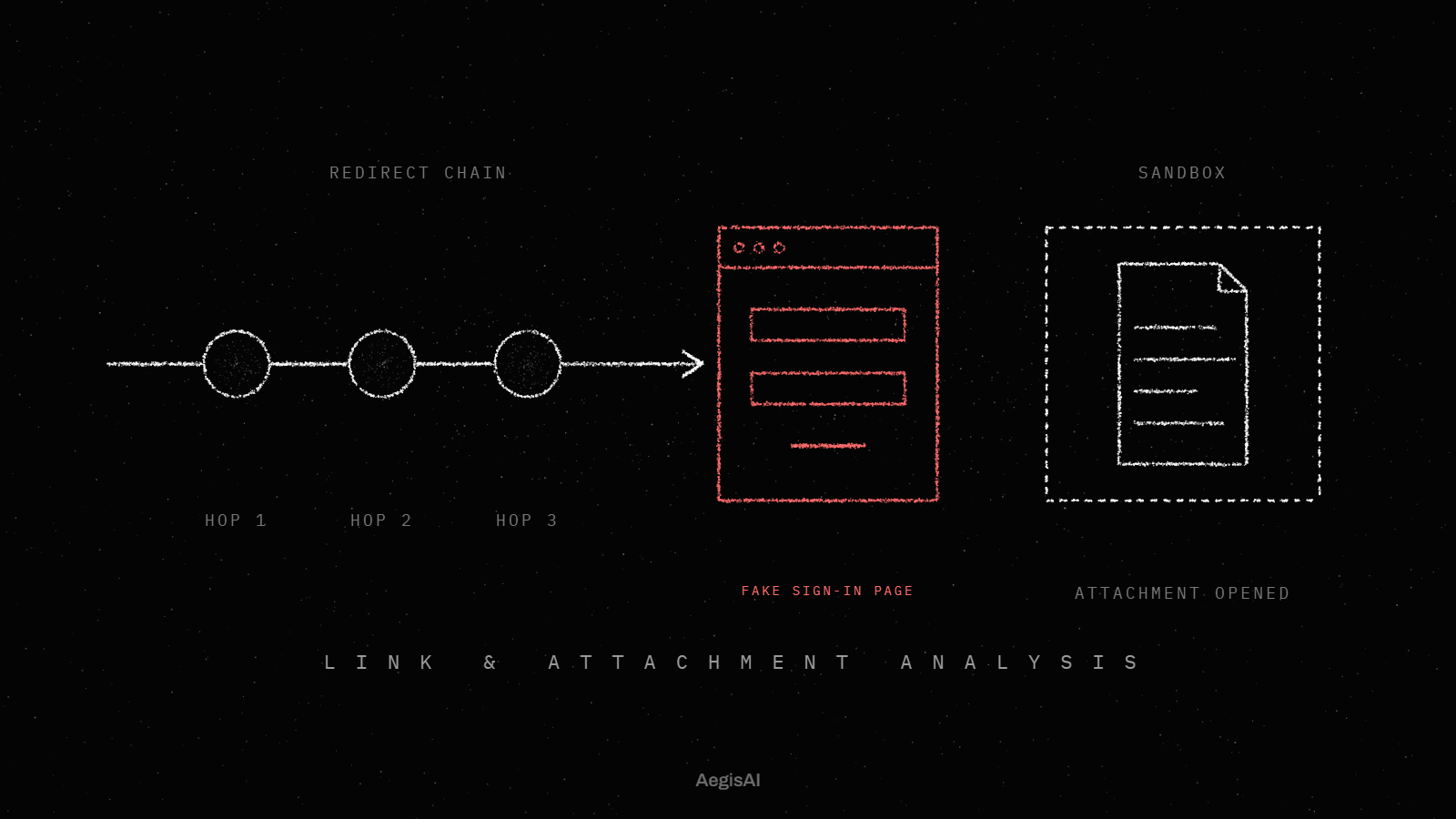
A payment-detail change is the action BEC is built to cause, so the protection has to look at it directly. The signals sit in the message and the thread: a first request to change an account, a reply-to address on a new domain, a deadline on an open invoice. Authentication results say nothing about them, since a hijacked mailbox passes every authentication check.
Pair the technical control with a process control. Confirm every bank change by phone, on a number you already hold, before the next payment run. The guide on how to prevent business email compromise with a layered checklist covers the finance side.
Question to ask a vendor: does a verdict on a bank change cite the earlier messages in the thread, and can my accounts payable team read it?
Forwarding rules are how a BEC actor stays inside a mailbox. In the Outlook rules attack, the attacker steals a user's credentials, signs in to the mailbox and creates a forwarding Inbox rule21. Microsoft lists Inbox rules that forward mail to unknown addresses, and recently added external forwarding, among the common symptoms of a compromised account22.
The built-in control is the outbound spam filter policy. Its Off setting disables Inbox rules and mailbox forwarding that redirect messages to external addresses20.
Question to ask a vendor: do you alert on a new forwarding rule within the same session as the sign-in that created it?
Identity controls decide whether a stolen password opens the mailbox. In Microsoft 365 for business, security defaults is on by default, and Conditional Access comes with Business Premium only16. Conditional Access needs Entra ID P1. Policies based on sign-in risk or user risk need Entra ID P217.
Conditional Access is enforced after first-factor authentication completes18. Require the built-in Phishing-resistant MFA strength for finance and admin accounts; it allows Windows Hello for Business and FIDO2 security keys19.
Question to ask a vendor: which Entra ID licence do your account takeover signals need, and what do you see without it?
The mail path sets what the product can change and how you undo it. A gateway receives mail through an MX record change and filters it before Exchange Online delivers it. An API-based product connects to the tenant and acts on mail after delivery, so routing stays as it is. Built-in protection runs inside Exchange Online, and Defender for Office 365 Plan 1 covers BEC on top of it7.
Ask what happens to a message that is already in five inboxes when the verdict changes.
Question to ask a vendor: do you need an MX record change, and when you remove a message, does it leave every mailbox that received it?
Every verdict should name the signal that decided it. The built-in phishing email thresholds run from 1 Standard to 4 Most aggressive, and Microsoft Learn notes that false positives rise as the setting rises13.
In Defender for Office 365 Plan 2, automated investigation and response queues remediation actions for SecOps to approve23.
Question to ask a vendor: show me the full verdict on one blocked bank change and one allowed one from our own mail.
Keep an audit trail that lasts as long as a loss review. In Audit (Standard), Microsoft Purview keeps audit records for 180 days, and Audit (Premium) keeps Exchange and Entra audit records for one year by default24.
Question to ask a vendor: how long do you keep verdict and removal records, and can we export them to our SIEM?
Built-in controls come with the licence you hold; Defender for Office 365 Plan 1 is part of E3 and Business Premium8.
| Criterion | API-based | Gateway | Built-in platform controls | Managed service |
|---|---|---|---|---|
| Known sender with a hijacked mailbox | Reads the thread and sender history after delivery | Filters inbound mail by its own rules before delivery | Impersonation checks stop once sender and recipient have emailed | Depends on the tools the provider runs |
| Payment-detail change | Can read the request inside the existing thread | Reads each message as it passes | Confirm bank changes by phone on a known number | Depends on the provider's review process |
| Inbox rules and forwarding | Needs mailbox and audit log access | Reads inbound messages in the mail path | Outbound spam policy can turn external forwarding off | Depends on the access you grant |
| Identity controls | Reads sign-in data where the licence allows | Not part of mail filtering | Security defaults, Conditional Access with Entra ID P1 | Depends on the tools the provider runs |
| Mail path | No MX change; removes mail from mailboxes | MX record change; mail passes through it | Inside Exchange Online | Set by the tools the provider runs |
| Audit trail | Its own verdict log plus Purview | Its own message log | Purview Audit, 180 days or one year | The provider's case notes |
Run them against your tenant and against any product on trial.
Is impersonation protection turned on for every finance user and approver?
Does a message from a known vendor that asks for a bank change get its own check?
Is automatic external forwarding set to Off in the outbound spam filter policy?
Have you dumped every Inbox rule in the tenant in the last month?
Is MFA on for every account, through security defaults or Conditional Access?
Do finance and admin accounts need the Phishing-resistant MFA strength?
Is the first contact safety tip turned on?
Does every verdict show the evidence an analyst needs to clear it?
When a message is removed, does it leave every mailbox that received it?
Are audit records kept for as long as your auditors ask?
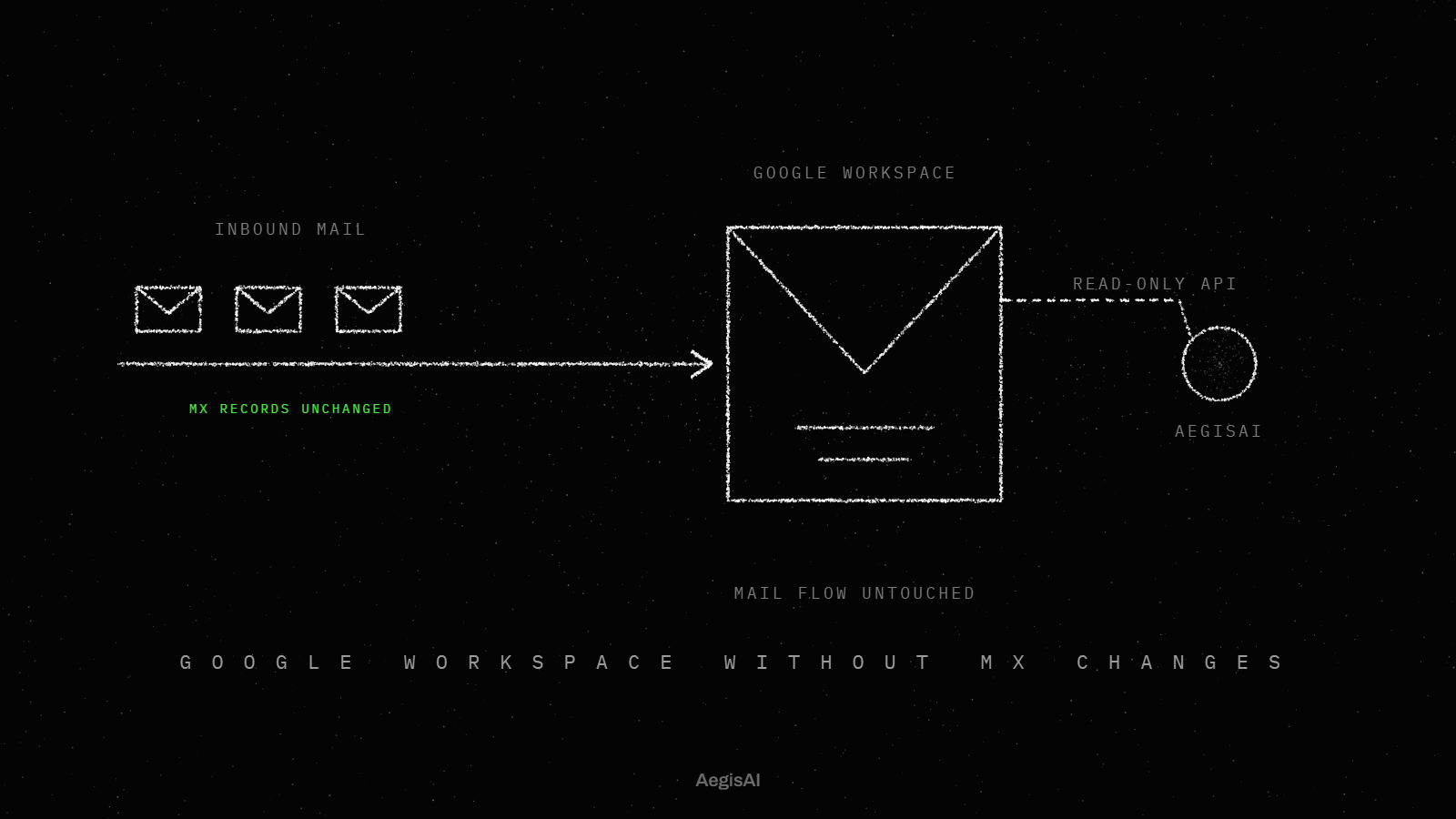
AegisAI connects by API and works after delivery4. It reads the thread the way an analyst would: the sender's history, the change being asked for, and where the reply actually goes. When a vendor's real account is compromised, authentication passes, so the verdict rests on what this sender has sent before and on the request itself. The median verdict takes 1.9 seconds, then the email is removed from every mailbox that received it. The sender history comes from your own mail over the same API connection, and monitoring mode runs on live mail with no MX change before removal is turned on.
The best BEC protection for a Microsoft 365 company judges requests from known senders and catches new forwarding rules. It also fits your licence and shows evidence for every verdict. Start with the controls you already own. Defender for Office 365 Plan 1 is included in Microsoft 365 E3 and Business Premium, and Plan 2 in E58.
Then test any added layer against the ten questions above on your own mail. The page on how to choose email security for Microsoft 365 covers the wider choice beyond BEC.
Business email compromise in Microsoft 365 is a request for money or data sent from, or posing as, a mailbox the recipient trusts. One route is a taken-over account. The attacker steals credentials and signs in, then adds a forwarding Inbox rule. The other route is impersonation from a look-alike sender, which the Defender impersonation settings target10.
Microsoft Learn documents three limits of the built-in and Defender settings. Anti-phishing protection for all cloud mailboxes checks email authentication but does not include impersonation protection. User impersonation and mailbox intelligence stop once the sender and recipient have emailed before. Business Basic and Standard do not include Conditional Access or Defender for Office 365 Plan 1.
The method that works reads the request in its thread, since a hijacked mailbox passes authentication and has a long contact history. A rule matches fixed signals such as a keyword, a sender list or a domain. Mailbox intelligence uses AI to learn each user's patterns with frequent contacts11, yet it stops judging once the two parties have emailed before.
The page on which signals an AI model or a rule reads in payloadless BEC tests both methods on the same messages.
Configure BEC protection in three admin centers: Microsoft Defender, Microsoft Entra and Microsoft Purview.
Team size sets the licence, and compliance sets the log retention. Microsoft's Microsoft 365 for business guidance is for organizations with up to 300 users. Plan 2 automation comes with enterprise plans such as E5. For regulated teams, compare the retention your auditors ask for with the 180 days of Audit (Standard).
Track these three numbers from day one.
Plan 1 protects email from phishing and business email compromise. Its impersonation checks stop once sender and recipient have emailed before. Test whether a known vendor's bank change gets its own check.
Yes. Business Premium includes Defender for Office 365 Plan 1, which covers BEC, and Conditional Access. Business Basic and Standard do not include them.
They catch spoofing. Built-in anti-phishing uses all three for basic spoofing detection. A hijacked vendor mailbox passes them, since it signs as itself.
Yes, for most tenants. The Off setting in the outbound spam filter policy disables Inbox rules and mailbox forwarding to external addresses. Senders then get a non-delivery report.
Conditional Access needs Microsoft Entra ID P1. Risk-based policies for sign-in risk and user risk need Entra ID P2.
Yes. The Microsoft Defender portal trials hub offers a 90-day trial of Plan 2 features.