AegisAI Perspectives · 052
Autonomous email threat response judges each email at delivery and removes every copy itself, so analysts keep the policy, the exceptions and the audit.
Autonomous email threat response reduces SOC workload by investigating each email at delivery and acting on it, so no analyst spends the up to 30 minutes of manual triage a user-reported alert takes1. AegisAI investigates every inbound email for what it is trying to do and removes the ones that fail from every mailbox they reached20. Analysts keep policy, which sets the actions that run alone13, and they audit what the agent did.
It runs the loop an analyst would run by hand for every message and records each step.
Work on mail that is already in the mailbox, not only on mail in transit. Zero-hour auto purge in Microsoft 365 shows the pattern: it neutralizes phishing already delivered to cloud mailboxes and searches the last 48 hours of delivered email14.
Expand one alert into an investigation of every related message. Automated investigation and response (AIR) in Defender for Office 365 completes organization-level investigations and queues remediation actions when it finds threats4.
Compare what the message asks the reader to do with the sender and the thread it sits in. A reply inside a real conversation, sent from a compromised mailbox, passes every sender check22, so the request itself is the evidence.
Automated investigation labels each piece of evidence Malicious, Suspicious or No threats found12. Close the clean cases automatically: AIR resolves alerts where no threats are found on its own6.
Remove the whole campaign, not the one message someone noticed. AIR approves remediation of malicious URL and file clusters without a person5. In Google Workspace, admins can erase malicious emails, mark them as spam or phishing, or send emails to users' inboxes16.
In Defender XDR, email remediation actions wait for SecOps approval in the Action center7. Pending actions time out after one week8, so approvals need an owner.
Record the verdict and its evidence next to the action taken. The Defender triage agent documents each decision with its reasoning as a decision tree in Defender and records it in Microsoft Purview audit logs2.
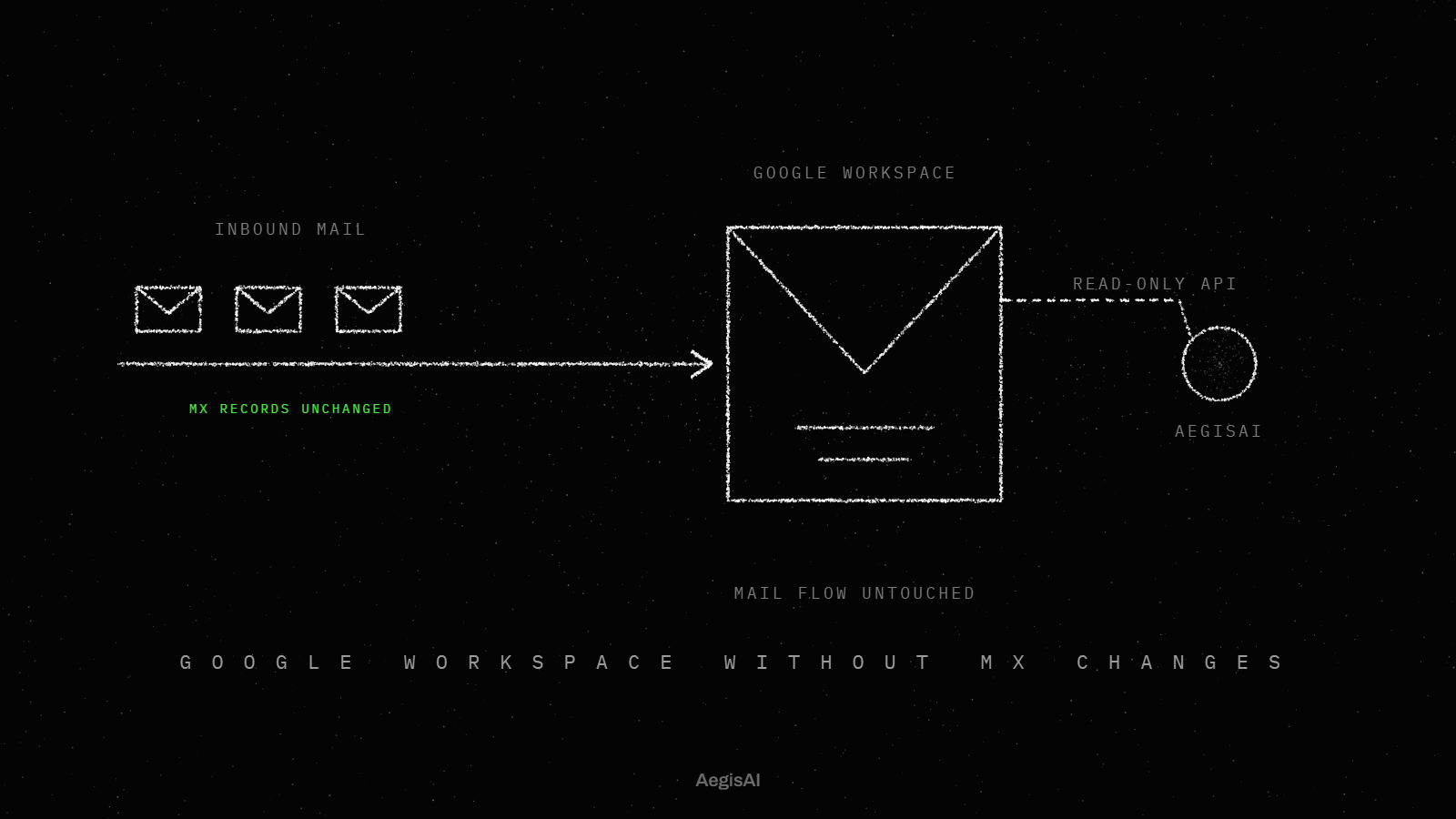
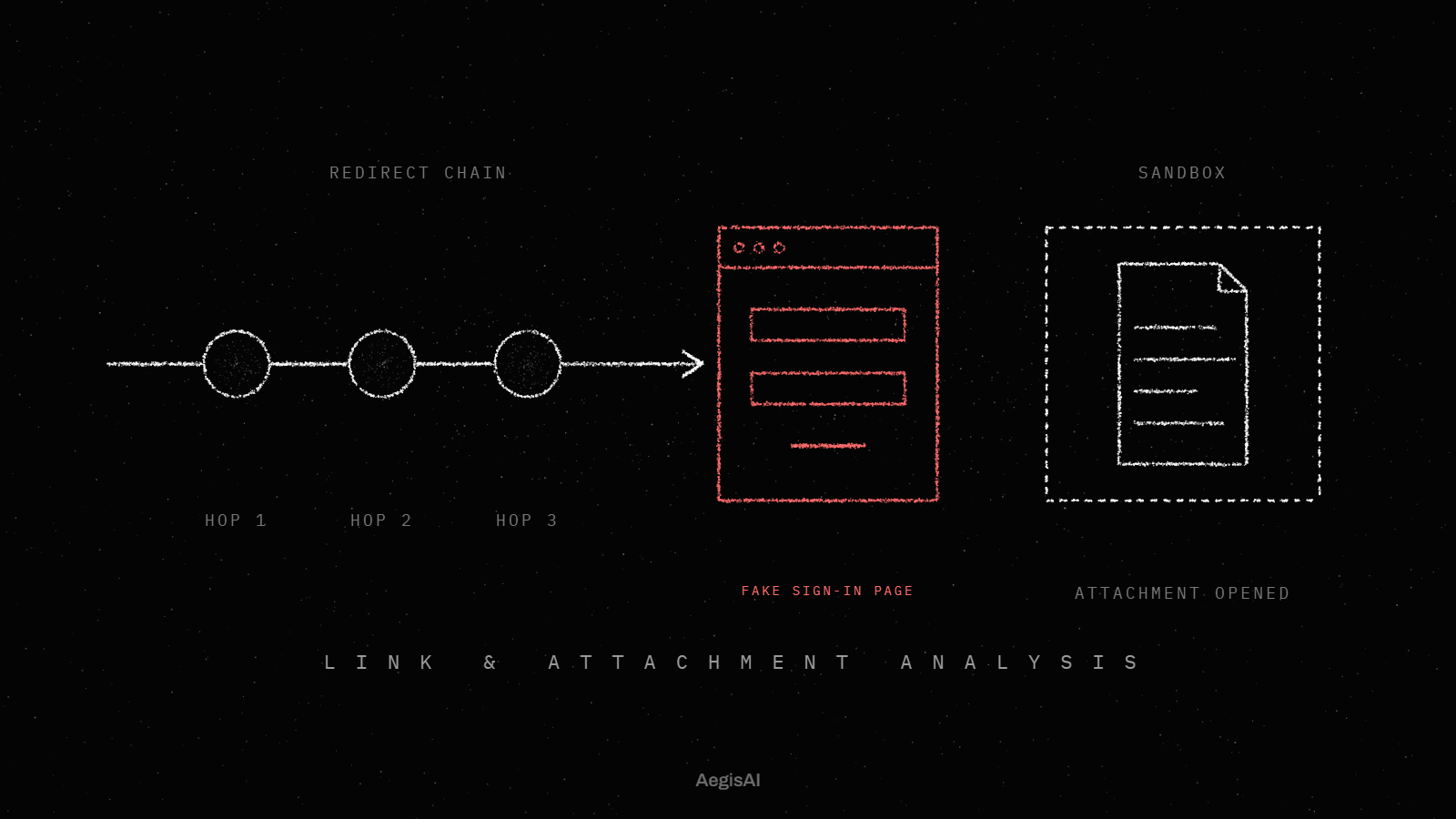
AegisAI reads what each message asks the reader to do, and whether that fits the sender17. Four agents per message check reputation, intent, policy and headers in parallel18. Links and attachments are opened in a sandbox. Its inbound email security covers replies inside a real conversation sent from a compromised mailbox, where every sender check passes. Convicted mail is pulled from every mailbox including forwards, and the analyst gets the summary19.
It removes the repeat work around each alert: verdicts, closing clean cases, removing copies, writing the record.
| Work item | Done by hand | Done by the system |
|---|---|---|
| First-pass triage of one alert | An analyst, up to 30 minutes per alert | A verdict for each piece of evidence |
| Alerts where nothing is found | Opened and closed one by one after a check | Resolved automatically |
| Copies of one malicious campaign | Searched and removed mailbox by mailbox | Removed as a cluster, approval automatic |
| A second approval of the same cluster | Processed again | Skipped if approved within the previous hour9 |
| Mail that turns out malicious after delivery | Found when a user reports it | Neutralized after delivery, searching the last 48 hours of mail |
| The record of each action | Typed into the ticket | Logged as a decision tree and audit entries |
One kind of work stays in the queue on purpose. In Defender XDR, email remediation actions still wait for a person in the Action center.
The analyst owns policy and exceptions, plus the audit of the agent's actions.
Limit each agent in scope and rollback before it acts alone, and keep an audit trail. Set all three in the first week, while the agent still runs read-only.
Scope. Start read-only and grant write access only once the verdicts hold up on your own mail. AegisAI, for example, starts read-only, and removal needs write access that an admin grants and can revoke21. Turn on automatic action one class at a time, starting with clusters the platform already approves on its own.
Rollback. Prefer actions that can be reversed. The Action center provides a way to undo certain actions, and Google Workspace admins can send emails to users' inboxes. For the questions an inbox agent raises with staff and auditors, read whether you can trust AI agents inside your inbox.
Audit trail. Keep every action reviewable by someone other than the agent. Google Workspace records admin actions in the security investigation tool as Admin log event data. Ask for the reasoning as well as the action, as the Purview record does.
The box follows one campaign through both paths, using the triage time Microsoft documents for one alert.
Illustrative example, figures are fictional. A 900-mailbox tenant receives a credential phishing campaign at 08:10: 42 copies, one reply inside a real supplier thread asking for new bank details, and 3 clean supplier emails that look alike. Without autonomous response, 6 users report it between 08:25 and 09:40. Each report opens an alert, and at 30 minutes per alert an analyst spends 3 hours before the last copy is gone. With autonomous response, each copy gets a verdict at delivery and all 42 are removed as one cluster. The 3 clean emails stay in the inbox. The bank-details reply waits for approval because it asks for money to move. The analyst spends 10 minutes approving one action and reading the write-up.
Autonomous email threat response is email security that investigates a threat and acts on it without a person starting each step. In Microsoft 365 the built-in form is AIR, which runs organization-level investigations and queues remediation actions for approval. Whether it acts alone or waits for approval is a setting the organization chooses.
It is the chain of checks that turns one suspicious email into a verdict and an action without manual hand-offs. The chain collects evidence, labels each item Malicious, Suspicious or No threats found, and closes the clean cases. The last stage writes the record that an analyst audits later.
A playbook runs the steps someone wrote in advance; an agent reasons about each message in context and explains its verdict. The Defender triage agent applies contextual reasoning instead of static rules or predefined inputs, and gives the rationale for each verdict in natural language3. How to design that explanation for analysts is covered in how to design email AI agents analysts trust.
Human review runs at up to 30 minutes per user-reported alert, and each copy of a campaign waits its turn. A reply inside a hijacked thread passes every sender check, so a reviewer has no bad reputation to match. Post-delivery action such as zero-hour auto purge works on mail already in the mailbox, without waiting for a reviewer.
Each report becomes an alert that a person triages, at up to 30 minutes per alert. Many end with nothing found, which is common in user submissions, and AIR resolves those automatically. Autonomous response cuts the source: a message removed before a user opens it is not reported. The report queue itself is covered in how to reduce SOC time spent on phishing triage.
Track three numbers from day one, each from a log the platform already keeps. Export them weekly and compare week 1 with week 4.
No. It removes first-pass triage and repeat remediation, and people keep policy and exceptions, plus the audit of the agent's actions. In Defender XDR, email remediation actions still wait for SecOps approval in the Action center.
It takes the per-alert triage, up to 30 minutes each, off the analyst. Each piece of evidence gets a verdict. Malicious URL and file clusters are removed with automatic approval, and alerts where nothing is found close on their own.
Each copy waits until a user reports it, and each report waits for a person. Every report adds up to 30 minutes of manual triage, and the copies are removed by hand.
Not for the riskiest verdicts. Recipients cannot release messages quarantined as malware or high confidence phishing, regardless of the quarantine policy. Those release requests go to an admin, which is one of the exceptions the SOC keeps.
Read and report, nothing more. Start read-only in monitoring mode and grant write access once its verdicts match your own review; in the AegisAI setup, the admin who grants write access can revoke it.
One week. Pending AIR remediation actions in Defender for Office 365 time out after awaiting approval for one week, so the approval queue needs a named owner and a daily check.