How AegisAI stops hijacked accounts
Episode details and transcript
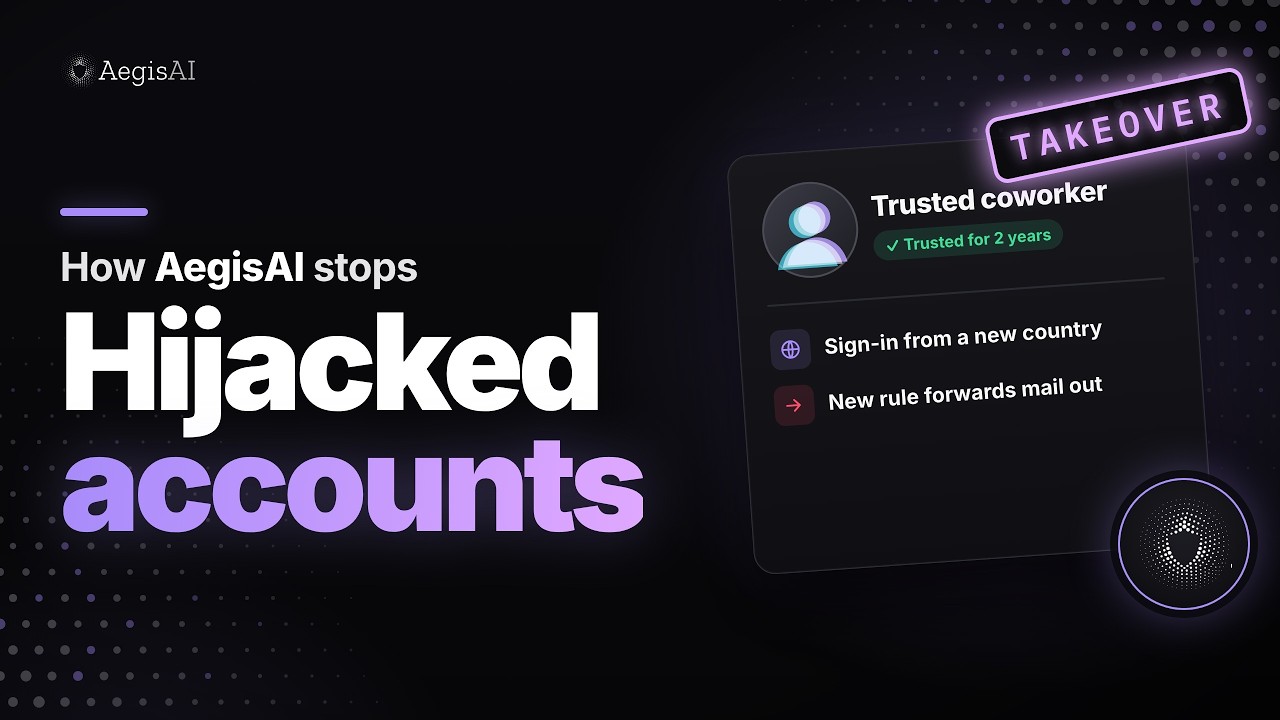
A 44 second animated walkthrough of an account takeover, where a real mailbox is hijacked and used to send email. It shows the four steps AegisAI takes: Connect, Investigate, Protect, Extend. Illustrative example; names and details are fictional.
A trusted coworker's account sets up a forwarding rule 6 minutes after a sign-in from a new country. Here is how AegisAI catches it.
01 Connect
AegisAI connects to Microsoft 365, Google Workspace and Okta, and reads mail, sign-ins and audit logs by API, out of band.
02 Investigate
The sender has been trusted for 2 years, but agents flag a sudden bulk send of links, a new rule that forwards mail outside, and a sign-in from a new country. The verdict: account takeover. Sessions are revoked and 38 sent messages are removed.
03 Protect
Phishing prevention and account takeover protection watch the account after sign-in.
Illustrative example. Names and details are fictional.