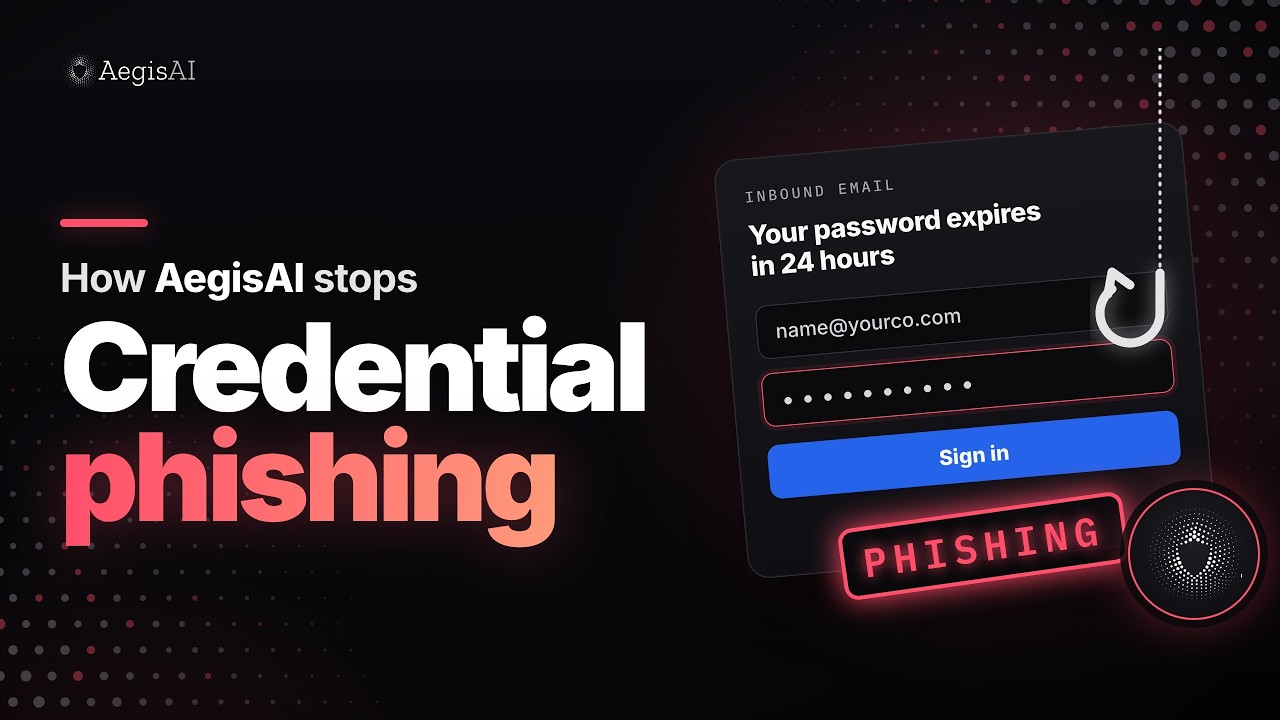
How AegisAI stops credential phishing
Episode details and transcript
A 48 second animated walkthrough of a credential phishing email that leads to a fake login page. It shows the four steps AegisAI takes: Connect, Investigate, Protect, Extend. Illustrative example; names and details are fictional.
A "your password expires in 24 hours" email from a lookalike domain reaches 214 mailboxes and passes SPF, DKIM and DMARC. Here is how AegisAI catches it.
01 Connect
AegisAI connects to Microsoft 365 or Google Workspace by API, out of band.
02 Investigate
Agents check reputation, intent, policy and headers on every email. The domain was registered 3 days ago and the email asks people to sign in to Microsoft 365. The verdict: phishing. The email is removed from all 214 mailboxes.
03 Protect
Inbound email security and phishing prevention stop attacks that pass SPF, DKIM and DMARC.
04 Extend
The 14 people who clicked get this email back as training.
Illustrative example. Names and details are fictional.