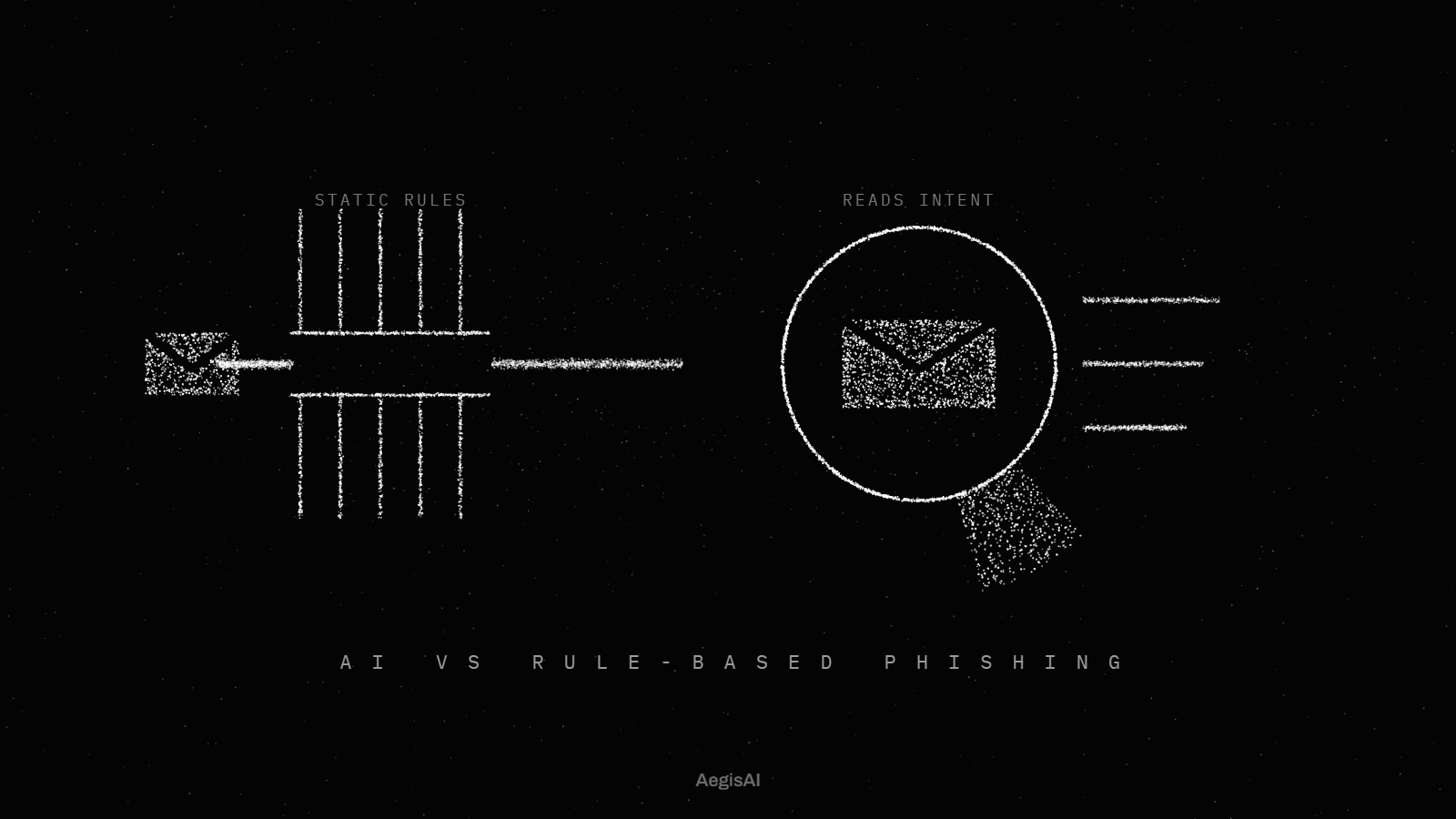
AegisAI Perspectives · 036
Choose shadow IT discovery tools by the blind spot you need to close, then check which sign-ups, app grants and AI tools each discovery method misses.
Choose shadow IT discovery tools by the blind spot you need to close: sign-ups, app grants, network traffic or spend. Admins guess 30 or 40 cloud apps, and the average is over 1,0001. AegisAI reads the sign-up mail it already sees, so apps adopted with a company identity show up in one inventory23.
Every tool reads one or two signals, and the signal sets what it can find. Network discovery reads traffic logs. Microsoft's cloud discovery matches them against a catalog of over 31,000 cloud apps scored on more than 90 risk factors4. A log-based deployment ingests existing firewall or secure web gateway logs without touching the user path16.
Identity discovery reads app grants. The Google Workspace accessed apps list shows each app that reached Google data, with its user count and OAuth scopes11. Mail discovery reads welcome emails and receipts, plus share invites. Spend discovery reads expense lines, which matters because 17% of GenAI users pay for their own AI tools21.
Question to ask: which signals do you read, and which sign-ups does each one miss?
A catalog match finds only the apps in the catalog. By default, Defender for Cloud Apps can't discover apps that aren't in its catalog3. A catalog lag turns a new AI tool into a blind spot. A grant list or a sign-up email names the app directly, catalog or no catalog.
Question to ask: how does an app that launched last month show up in your inventory?
The method has to see sign-ups that skip your identity provider. In Microsoft Entra ID, all users can consent by default to permissions that don't need an administrator, such as an app reading their mailbox7. In Google Workspace, the default lets users sign in with Google to any third-party app13. An account made with a work address and a password leaves no grant at all. Email catches that sign-up even when the app never touched single sign-on or the identity provider24.
Question to ask: do you find an account created with a work address and a password but no SSO or OAuth grant?
Freshness decides how long a new app stays unseen. Microsoft's cloud discovery data is analyzed and updated four times a day5. The Google Workspace accessed apps list updates 48 hours after a token is granted or revoked12. Snapshot reports cover only the logs you upload by hand, while continuous reports analyze every forwarded log6.
Question to ask: how many hours pass between a new sign-up and its row in your inventory?
Finding which AI tools people adopted is one job, and reading what they type into them is another. More than a third (34%) of office workers surveyed have entered customer data into public AI tools18. Adoption tells you which tool to review. Content inspection needs an inline control and a privacy review of its own. Write down which of the two each method gives you before you compare prices.
Question to ask: do you record which tools people adopted or what they type, and where is that data kept?
Discovery comes first and enforcement follows. One CASB buyer guide puts Discover and Baseline in months 1 to 2 of a 7 to 10 month rollout15. The same guide weights shadow IT discovery at 20% of its capability score. In Entra ID, consent setting changes only affect future consent, so existing grants stay in place9. Grants made by users sit on the User consent tab and can't be revoked in the portal10.
Question to ask: once you find an app, where does revocation happen, and who does it?
| Criterion | API-based | Gateway | Built-in platform controls | Managed service |
|---|---|---|---|---|
| Signal it reads | Mailbox and identity data through the Microsoft 365 or Google Workspace API | Firewall, proxy or secure web gateway traffic logs | OAuth grants and consent records in the admin console | Whatever the provider's tools read |
| Apps that never touched SSO | Seen when a sign-up email reaches a work mailbox | Seen when traffic passes the gateway and the app is in the catalog | Missed unless the user granted OAuth access | Depends on the provider's signals |
| Apps outside a catalog | Named from the sign-up mail itself | Missed by default | Named from the grant itself | Depends on the provider's signals |
| Personal accounts | Out of view | Seen on managed traffic only | Out of view | Depends on the provider's signals |
| What users type | Not read | Read only with inline content inspection | Not read | Depends on the provider's tools |
| Deployment change | Connect a tenant with admin consent | Forward logs or route traffic | Already in the tenant | Grant the provider access |
Answer each item yes or no with evidence from a trial on your own tenant.
Does the tool name the signals it reads: mail, grants, traffic or spend?
Are apps missing from its catalog still found?
Can it find sign-ups that never touched single sign-on?
Is every OAuth grant listed with its user count and scopes?
Will a new app appear in the inventory within one day?
Does the vendor state whether it reads what users type into AI tools?
Are personal accounts named as out of view?
Can you see who adopted each app and when?
Is each app ranked by the data it can reach?
Does the report name where revocation happens after discovery?
Illustrative example, figures are fictional. A 600-person company runs a 30-day trial. Its approved list holds 45 apps. Traffic logs from the office proxy surface 210 apps. The Workspace accessed apps list adds 38 apps with OAuth grants. Sign-up mail adds 27 AI tools created with work addresses and passwords, 9 of them paid on personal cards. The team scores the tool 8 of 10 on the checklist and reviews the 27 AI tools first.
The best shadow AI discovery tools find every AI tool adopted with a company identity and state plainly whether they see prompts. Two-thirds (66%) of office workers surveyed have used AI tools at work while believing they were not permitted17. Among workers who use AI for their job, 89% first adopted it outside work.
Deloitte found that 31% of GenAI users use it without their employer knowing20, and 46% use free-to-use tools at work. Free tools leave no expense line, so spend discovery misses them. Check four signals for AI tools. Look for the sign-up with a work address and the OAuth grant. Then look for the receipt and the share invite. The announcement of how the email agents map every app they touch shows the mail signal in use.
AegisAI reads the sign-up mail it already sees and builds an inventory of every app adopted with a company identity in Google Workspace and Microsoft 36523. The sign-up shows in mail even when the app never touched single sign-on or the identity provider. It records which tools people adopted and when. It does not read what they type into those tools, and personal accounts are out of view.
Track three numbers from the first day of the trial.
Shadow IT discovery tools build a list of the apps people use without IT approval. They read one or more signals: traffic logs, OAuth grants, sign-up mail or expense lines. Admins guess 30 or 40 apps, and Microsoft puts the average at over 1,000.
No. Traffic logs show apps reached through the network you log, matched against a catalog. By default, Defender for Cloud Apps can't discover apps outside its catalog. Traffic from personal devices off the network never reaches those logs.
Discovery from mail and grants records which tools people adopted and when. It does not read prompts. Reading what users type needs an inline control with content inspection and a privacy review.
Discovery runs first. One CASB buyer guide puts Discover and Baseline in months 1 to 2 of a 7 to 10 month rollout. Enforcement comes later, once the baseline is known.
Yes. Microsoft recommends allowing user consent only for apps from verified publishers. In Google Workspace, an admin can block sign-in with Google to third-party apps until each app is configured. Existing grants stay until you revoke them.