AegisAI Perspectives · 037
Choose the best email security for Google Workspace by counting threats Gmail still delivers, then checking the scopes and access each add-on requests.
Choose the best email security for Google Workspace by counting what still reaches inboxes after Gmail's own filters, which Google says block 99.9% of spam and phishing attempts, along with malware1. Then check the access each add-on requests. AegisAI is one example of an add-on, and it reads mail through the Google Workspace API after delivery20.
It is not enough when confirmed threats still arrive in inboxes after Gmail has filtered them. Count those in a trial before you buy. Gmail's advanced phishing and malware protection has three groups of settings: attachments; links and external images; spoofing and authentication4. Gmail's default is to show warnings and move untrustworthy email to spam. Each setting also offers a Quarantine action, which holds messages for admin review and hides them from users.
Attachment scanning has a cost in time. Security Sandbox scanning can delay message delivery by up to 3 minutes5. Not every edition includes it, so check yours against Google's list.
Business email compromise is the second largest loss type in the FBI's 2025 report, with $3,046,598,558 in reported losses19. The page on which Google Workspace settings and logs stop business email compromise lists the native controls in order.
Question to ask a vendor: which confirmed threats did your trial find in mail that Gmail had already delivered to the inbox?
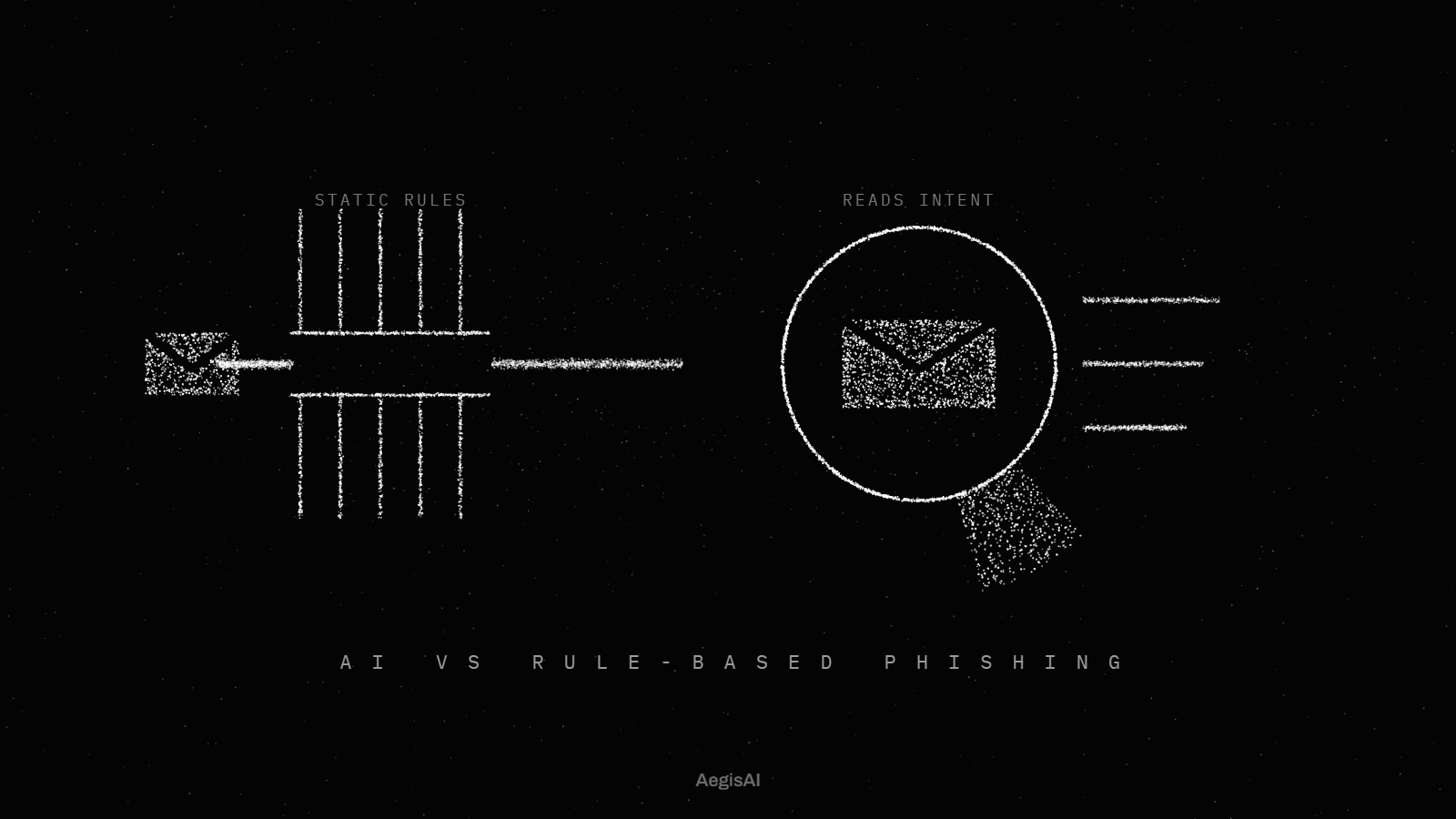
Pick the architecture by what you are willing to change in mail routing. A secure email gateway needs the MX records for your domain pointed at the gateway16. Every inbound message then passes through it before Gmail sees it. An API-native add-on connects to the tenant and reads mail that Gmail has already delivered, so routing stays as it is.
The gateway route changes authentication too. Gmail does not enforce the sender's DMARC policy for messages that arrive from the inbound gateway17. Plan for that before the MX change. The page on how to add a third-party email security layer to Google Workspace walks through both set ups.
Question to ask a vendor: does deployment touch our MX records, and what are the exact rollback steps?
An API add-on can read and change only what its OAuth scopes and your app access settings allow, so read both before you approve it. The gmail.readonly scope lets an app view messages and settings, and Google classifies it as restricted14. The gmail.modify scope cannot permanently delete mail past the trash; the full mail.google.com scope can.
In the Admin console, set each app to Trusted, Limited, Specific Google data or Blocked10. For Gmail, you can also restrict access to high-risk scopes. Domain-wide delegation gives the app access to the data of all your users12. Deleting that client stops every app that depends on it at once.
Question to ask a vendor: which Gmail API scopes do you request, which of them can move or delete mail, and do you need domain-wide delegation?
Mail should keep arriving when the add-on is down. An API add-on reads mail after Gmail delivers it, so an outage on its side pauses detection and leaves delivery alone. A gateway sits in the MX path, so inbound mail depends on the gateway being up. The post on what happens to mail flow if an email security vendor goes down covers both cases.
Question to ask a vendor: if your service is unavailable for an hour, where is our inbound mail, and what do you scan when you come back?
Removal should reach every copy of a message including forwards. It should also leave a record. Google's security investigation tool lets admins use Gmail log data to find and erase malicious emails9. Email Log Search covers up to 30 days in a custom search; older messages need the recipient's full address and the message ID7. It does not show message contents.
Ask whether the add-on deletes mail or moves it to trash. That choice follows from the scope it holds.
Question to ask a vendor: when you remove a message, which mailboxes does it leave, where does it go, and where is the record of the action?
Ask for a plain-language reason with every block and every removal. The reason should name what the message asked the reader to do and the signal that decided the call. Read the reasons for one week of trial verdicts before you turn on removal. The guide on how to evaluate API based email security lists the logging and SIEM checks to run alongside.
Question to ask a vendor: which reason and signals decided the call on one removed message and one allowed message from our trial?
| Criterion | API-based add-on | Gateway | Built-in platform controls | Managed service |
|---|---|---|---|---|
| Mail routing | No MX change, connects through the Gmail API | MX records point to the gateway | No change, part of Gmail | Set by the tool the provider runs |
| When it acts | After delivery, on mail in the mailbox | Before Gmail receives the message | During delivery: warning, spam or quarantine | Set by the tool the provider runs |
| Tenant access | OAuth scopes the admin approves and can block | DNS control and the Inbound gateway setting | Included, Security Sandbox by edition | Provider access to your tenant |
| During an outage | Mail keeps arriving, detection pauses | Inbound mail waits for the gateway | Part of Gmail itself | Follows the tool and the provider's staffing |
| Authentication | Mail arrives by the normal MX path | Gmail does not enforce sender DMARC from the gateway | Spoofing and authentication protection setting | Set by the tool the provider runs |
| How to undo it | Block the app or remove its scopes | Restore the earlier MX records | Change policy settings | End the provider's access and grants |
Answer these 10 questions yes or no, with evidence from a trial on your own tenant.
Did the trial start in monitoring mode, with nothing moved or deleted?
Did it report confirmed threats that Gmail had delivered to the inbox?
Does deployment leave your MX records unchanged, or is the rollback written down?
Is every Gmail API scope listed before an admin approves the app?
Does removal need a separate grant from reading?
Can an admin block the app in the Admin console and stop it at once?
Does every verdict come with a reason your team can check?
Does one removal reach every copy of a message, forwards included?
Does inbound mail keep arriving when the add-on is offline?
Is there a record of every removal that you can export?
Illustrative example, figures are fictional. A 400-user Google Workspace tenant runs an API add-on in monitoring mode for 14 days. Gmail delivered 61,000 messages to inboxes. The add-on flags 52 of them. The admin reviews each reason by hand and confirms 37 as phishing or impersonation; 15 are false alarms. The team turns on removal in week three and sends the 15 senders to a review list.
AegisAI sits out of band and reads mail through the Google Workspace API after delivery, with no MX change and no gateway. It connects with an OAuth grant your admin controls and can revoke23. It runs in monitoring mode first, and removal needs write access your admin grants and can revoke21. With enforcement on, it removes confirmed threats from every mailbox they reached and logs each action with its reasoning25. Mail keeps flowing during an outage, while detection pauses until the service returns22.
Two apply first: the agreement with Google and the evidence trail of the add-on. Customers subject to HIPAA must enter a Business Associate Amendment with Google before they use covered services with protected health information18. An add-on that reads mail handles that information as well, so ask for its own agreement and its SOC 2 report.
Email Log Search keeps a 30 day window for custom searches. Ask how long the add-on keeps its verdict and removal logs, and whether your auditors can read the export. For teams that also run Microsoft 365, the page on running email security across Google Workspace and Microsoft 365 covers keeping compliance and DLP consistent on both.
Question to ask a vendor: will you sign a business associate agreement, can we see your SOC 2 report, and how long do you keep verdict logs?
Track three numbers from the first day of the trial.
The best option is the one that passes the 10-question checklist on your own tenant. Start from Gmail's built-in protection, count what it delivers that a trial add-on confirms as a threat, and read the reason behind every verdict.
Good services connect through the Gmail API or a gateway and list every scope they request. They explain each verdict and keep mail flowing during an outage. Test two or three against the checklist in monitoring mode before you choose one.
Gmail blocks most spam and phishing on its own, along with malware. A third-party layer earns its place only if a monitoring-mode trial finds confirmed threats in mail Gmail delivered. Count them first.
No. An API-based add-on connects through the Gmail API with an OAuth grant and reads mail after delivery. Mail routing stays as it is. A secure email gateway is the model that needs the MX records pointed at it.
Reading needs a scope such as gmail.readonly, which Google classifies as restricted. Moving mail needs gmail.modify. Only the full mail.google.com scope can permanently delete mail past the trash.