AegisAI Lab · Lab Note 002
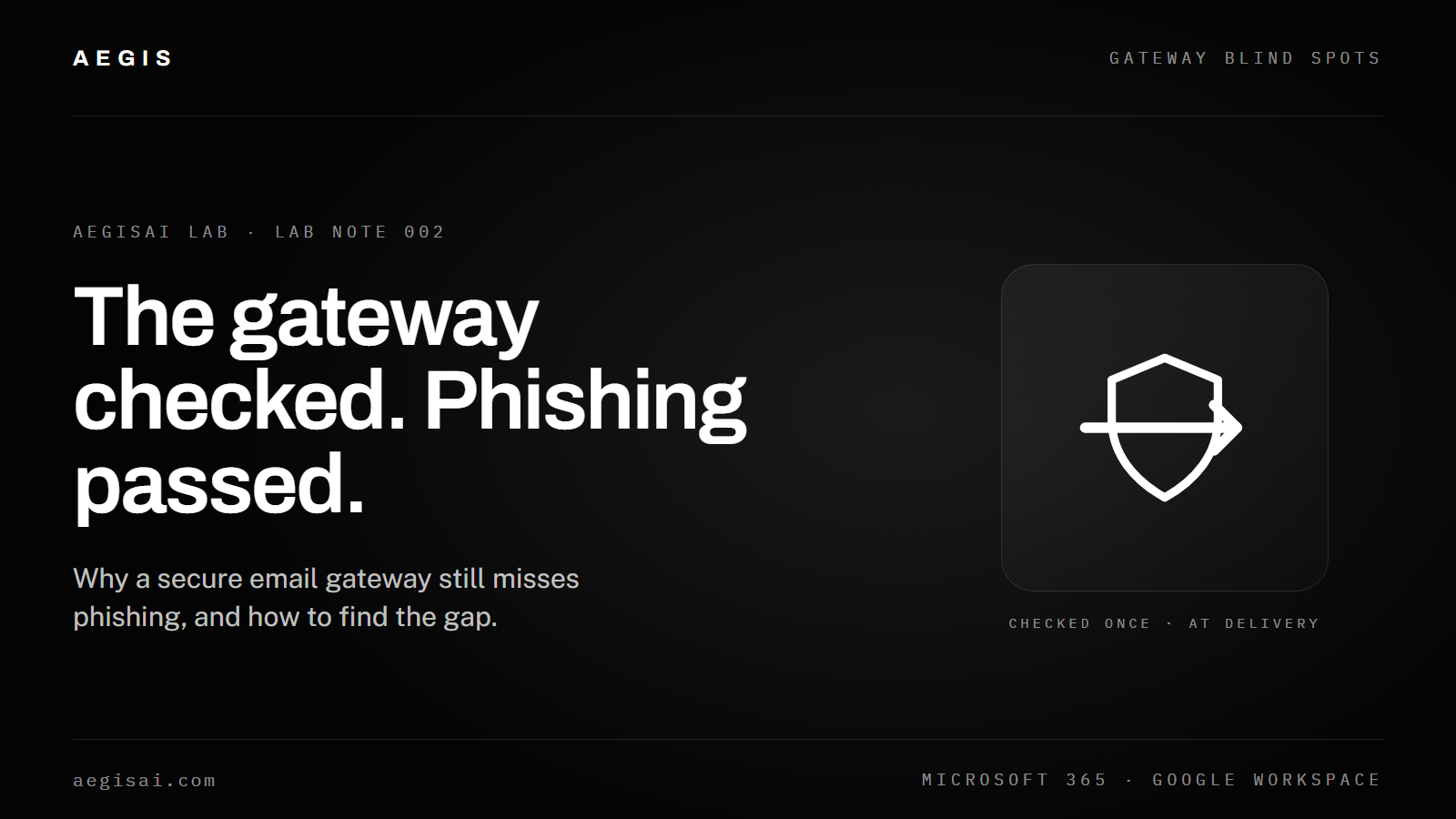
A gateway judges each message once, at delivery, using signals that modern phishing is built to avoid or borrow.
Your secure email gateway (SEG) keeps missing phishing emails because it was built to block known-bad signals, such as malicious attachments, blocklisted domains and failed authentication, and modern phishing is designed to carry none of them. The most effective campaigns now use clean links, compromised real accounts and plain-text requests that pass every check a gateway runs at delivery. Knowing which of those gaps you are facing is the first step to closing them.
Sources: FBI IC3 2025 Internet Crime Report; Microsoft Digital Defense Report 2025.
A secure email gateway misses phishing because attackers have adapted faster than delivery-time filtering can. Gateways were designed when phishing meant obvious spam, executable attachments and domains already on blocklists. Today's attackers build their messages around the assumptions every gateway makes.
The cost keeps rising. Phishing and spoofing was again the most-reported crime type in the FBI's 2025 Internet Crime Report, with 191,561 complaints. Reported phishing losses grew from $70.0 million in 2024 to $215.8 million in 2025, while the number of complaints barely changed (193,407 in 2024). Each successful attack is costing more.
Same number of complaints, three times the losses
Reported phishing and spoofing losses to the FBI, by year.
Source: FBI IC3 2025 Internet Crime Report. The 208% rise is our arithmetic from the reported totals.
The core issue is timing. A secure email gateway judges each message once, at delivery, using signals that attackers have learned to avoid or borrow. When an email passes SPF, DKIM and DMARC, comes from reputable infrastructure and carries no attachment or known-bad link, the gateway has no grounds to block it, even if it is a careful impersonation built to steal credentials or trigger a wire transfer. For a technical walkthrough, see our threat intelligence series on how attackers bypass a secure email gateway.
A secure email gateway inspects technical signals at the perimeter: sender reputation, authentication records, attachment signatures and URL blocklists. It does not see behavioral context, relationship patterns or content that turns malicious after delivery.
| What a gateway checks at delivery | What it cannot judge |
|---|---|
| Whether the sending IP or domain is on a blocklist | Whether a request fits the sender's normal behavior |
| Whether the domain passes SPF, DKIM and DMARC | Whether the person behind the account is who they claim to be |
| Whether attachments match known malware, often in a sandbox | A request with no attachment or link at all |
| Whether links appear on threat feeds | A link that was clean at delivery and changed later |
These checks work well against commodity threats: bulk spam, known malware and domains the security community has already flagged. What a gateway cannot judge is whether the tone is wrong for that person, or whether a link has changed since it was scanned. Our explainer on how SPF, DKIM and DMARC actually work shows where that line sits.
Authentication confirms that a message came from an authorized server. It does not confirm that the person behind it is who they claim to be.
AegisAI LabBusiness email compromise (BEC) shows the gap clearly. BEC caused $3,046,598,558 in reported losses across 24,768 complaints in 2025, the second-highest loss total in the FBI's report. A typical BEC message has no malware, no attachment and no link, only a convincing request from someone who appears to be a colleague or executive.
Phishing bypasses a secure email gateway by exploiting the specific signals and timing that delivery-time detection relies on. These are the eight most common techniques.
Checked once, attacked later
The gateway's verdict is made at delivery. The attack often starts after it.
At delivery
What the gateway sees
After delivery
What the gateway never sees
The gap between what a gateway can detect and what it structurally cannot is the root cause of repeated phishing misses. The table compares the two.
| Threat type | How well a gateway detects it | Where the blind spot is |
|---|---|---|
| Known malware attachments | Strong Signatures and sandboxing catch most variants | New malware and file-less attacks avoid signature matching |
| Blocklisted sending domains | Strong Real-time blocklist lookups stop known-bad senders | New domains and compromised legitimate domains are not listed |
| Failed authentication (SPF, DKIM, DMARC) | Strong Failing messages are quarantined or rejected | Mail from compromised accounts passes every check |
| Links on threat feeds | Moderate Known phishing links are blocked at delivery | Delayed weaponization and redirects avoid one-time scans |
| Bulk spam | Strong Volume and content patterns filter it well | Low-volume, targeted attacks stay under spam thresholds |
| Business email compromise | Weak No payload to scan, no technical signal | No baseline of normal sender behavior to compare against |
| AI-written phishing | Weak No errors or template patterns to match | Content reads as legitimate; nothing triggers a rule |
| QR codes and image-based lures | Varies Depends on whether the gateway decodes images | Codes scanned on personal phones fall outside inspection |
| Internal and same-tenant mail | Often none For gateways in front of the mail server | Phishing from a compromised internal account is not inspected |
Microsoft's data shows why these gaps matter. BEC made up just 2% of the threats Microsoft observed over the past year, yet it was a more frequent outcome in attacks (21%) than ransomware (16%).
Rare in volume, common in outcome
Business email compromise vs ransomware in Microsoft's observed attacks.
Low-volume, targeted attacks succeed out of proportion to their numbers because they sit in the categories a gateway is least able to judge. Our breakdown of the anatomy of an AI phishing attack walks through one example step by step.
Diagnose a miss by working backward from the message: confirm what the gateway saw, which controls ran, and which gap let it through.
Pull the full message headers and look at the SPF, DKIM and DMARC results. If all three passed, the message came from authorized infrastructure, which usually means a compromised account or a well-configured attacker domain. A stricter authentication policy would not have stopped it.
If the message had a link or a file, confirm whether the gateway rewrote the link or sandboxed the file. If those features were off, the fix is a policy change. If they were on and the content still passed, the payload was probably clean at delivery or hidden behind a redirect.
Was the request unusual for this sender? Did it push urgency or ask the recipient to skip a normal process? These are the signals a gateway cannot weigh without behavioral context.
If it was sent from inside your own Microsoft 365 or Google Workspace tenant, it may never have passed through the gateway. That gap needs detection that works inside the mailbox, usually through an API connection.
Record whether it was a new domain, a compromised sender, a payload-free BEC or an image-based lure. Over a few weeks the pattern shows where extra controls will matter most.
It is worth the effort: Microsoft's incident responders found that 28% of breaches started with phishing or social engineering. Our guide to how AI-powered email security works explains what an extra, behavior-aware layer looks at.
Even a well-configured secure email gateway will let some phishing through, because of the structural limits above. The practical question is how much is reaching your users today, and of which types.
A gateway works best as one layer, alongside detection that understands normal behavior and can act after delivery. Our email security migration guide covers how teams add that layer. To see what your current setup misses in your own mail, book a demo.
Your secure email gateway is built to block known-bad technical signals, and modern phishing is designed to avoid them. Attackers use compromised real accounts, links that turn malicious after delivery, and requests with no payload at all. Tuning improves detection of commodity threats, but it cannot remove the limits of a single check at delivery.
A secure email gateway inspects sender reputation, SPF, DKIM and DMARC results, attachment signatures and links against blocklists, at the moment of delivery. It skips behavioral context, sender-recipient relationship patterns, content that changes after delivery, and internal mail that does not cross the perimeter. Those gaps are where targeted phishing succeeds.
Not reliably. BEC and impersonation messages usually carry no malicious payload, only a convincing request from a sender who appears trusted. Without a baseline of normal behavior to compare against, a gateway has no technical basis to block the message.
A secure email gateway is a separate filtering layer that sits in the mail flow before messages reach your mailboxes. Microsoft 365's built-in protection runs inside the platform itself. Which combination fits depends on how your mail is routed and which threats you are seeing, and many organizations run more than one layer.
The most common are sending from compromised legitimate accounts, delayed link weaponization, QR codes and image-based lures, BEC with no link or attachment, AI-written personalized messages, phishing pages hosted on trusted cloud services, and internal mail that never crosses the gateway.
Start with messages your users reported, post-delivery alerts from your email platform, and message trace logs for emails that passed every gateway check but were later found to be malicious. Group the misses by attack type to see which gaps to close first.
For most organizations, no. The structural limits of delivery-time filtering, especially against BEC, compromised senders and AI-written phishing, call for additional layers such as behavioral analysis, post-delivery detection and removal, and fast user reporting.