Seven attack techniques
Threat Watch Report: Oct-Nov 2026
In each of these seven techniques, the control that ran got a real or ordinary answer: a genuine sender, a clean link, a real Microsoft sign-in, a token that had already passed MFA. See what the control saw, what the person saw, and the recommended steps for Microsoft 365 and Google Workspace.
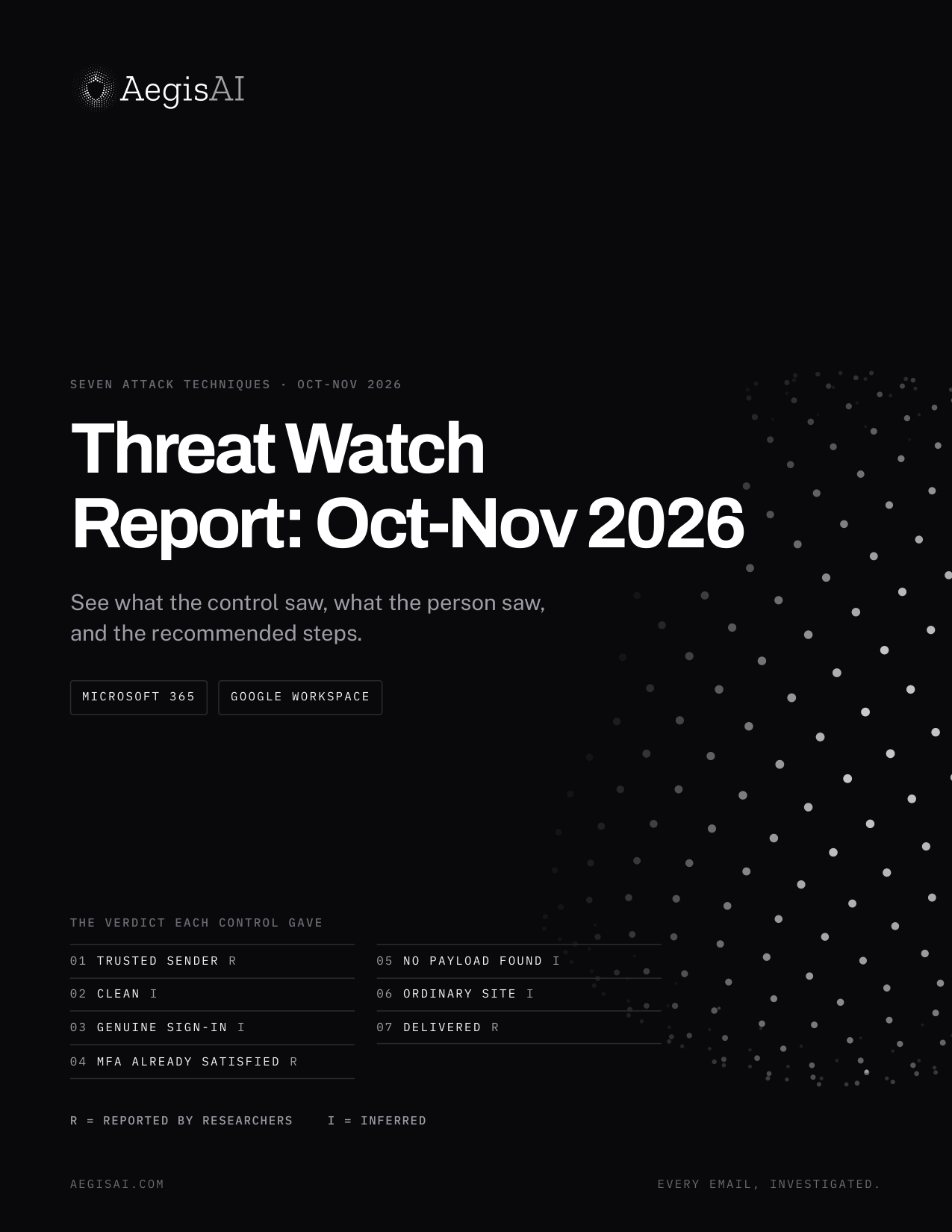
What the control said. Reported by researchers, or inferred.
- 01Genuine sender, attacker's wordsTrusted sender · Reported
- 02Scanner-gated pagesClean · Inferred
- 03Device code sign-inGenuine sign-in · Inferred
- 04Replayed session tokensMFA already satisfied · Reported
- 05Reply-first luresNo payload found · Inferred
- 06Browser-in-the-browser windowsOrdinary site · Inferred
- 07Inbox flood, then TeamsDelivered · Reported
Inside the report
The featured case on each page
- 01Dell's own order system sent the attacker's phone number.Help Net Security reports that attackers typed "Helpline" and a phone number into the Ship To field of a Dell order. Dell's system added the number to its real template, and the email passed DKIM and DMARC. Both checks confirm which domain sent a message. Neither looks at what it asks the reader to do. There was no link and no file. The aim was a phone call.
- 02Kits hid their pages behind fake CAPTCHA gates.The gates are fake CAPTCHAs, geofencing and IP filters. A link scanner stopped at one would never reach the phishing page, so it would have nothing to flag. BleepingComputer reports that investigators traced an ecosystem behind more than a billion malicious messages, aimed at over 75,000 organizations, to the YAM Store marketplace and its kits.
- 03A fake DocuSign page handed victims to Microsoft's real sign-in.Mir0Auth starts with a PDF attachment. The PDF leads to a fake DocuSign page, then to Microsoft's legitimate device code sign-in. Once the victim finishes signing in there, the attacker can get access tokens without the password.
- 04Replayed session tokens needed no password and no MFA.A session token is the proof Microsoft issues after a sign-in. It is minted after MFA, so whoever holds it does not need MFA again. Huntress responded to incidents at 79 organizations and counted at least 497 successful sign-ins from rented hosts in one block of IP addresses.
- 05The link arrived only after the target wrote back.TA419 invited US AI policy experts to join an advisory committee, in the names of real people in their field. The first messages asked for no password and pointed to no sign-in page. After a reply, the group sent a shortened link that redirected through several websites to a false OneDrive sign-in page.
- 06A drawn Google window asked for the ad account password.Fake AI ad tools asked marketers to connect their ad accounts. Connect did not open Google. The page drew a Google window inside itself, and its fake address bar showed accounts.google.com. Island's screenshot shows the real address bar still on the phishing domain.
- 07Hundreds of sign-up emails, then "IT Support" on Teams.The chat came from outside the organization, with "(Internal)" appended to a display name such as "IT Support". Teams still labeled the sender External. Arctic Wolf's customers reported hundreds of newsletter or subscription confirmations within minutes, before or alongside the chat. The flood appeared in "a significant number of cases", not all.
Each page gives the verdict, the attack chain and links to the original research.
Get the reportFAQ
Questions about the report
Who is the report for?
Security and IT teams on Microsoft 365 or Google Workspace who want to check their own settings against the seven techniques in the report.
What are the recommended steps?
By type: 8 reviews, 7 changes, 3 questions for your email security vendor and 3 staff briefings. One example: in Entra ID > Conditional Access, confirm the policy that blocks device code flow is On, not Report-only. In Report-only, device code sign-ins are logged but not stopped.
How much of it is reported, and how much inferred?
Three verdicts are reported by the researchers: the Dell order emails, the replayed session tokens and the Teams chats. The other four are inferred from how a standard control works, and those pages say what the inference rests on. None of the seven cases was replayed through AegisAI for this report.
Can AegisAI check our own mail?
Yes. AegisAI connects to Microsoft 365 or Google Workspace by API, starts in read-only monitoring mode and runs beside your current tools. Book a demo to start.
See what your controls let through.
A five-day scan of your own mail.
Book a demoAbout five minutes to connect · no MX change · you keep the findings report