Buyer's guide · 2026 edition
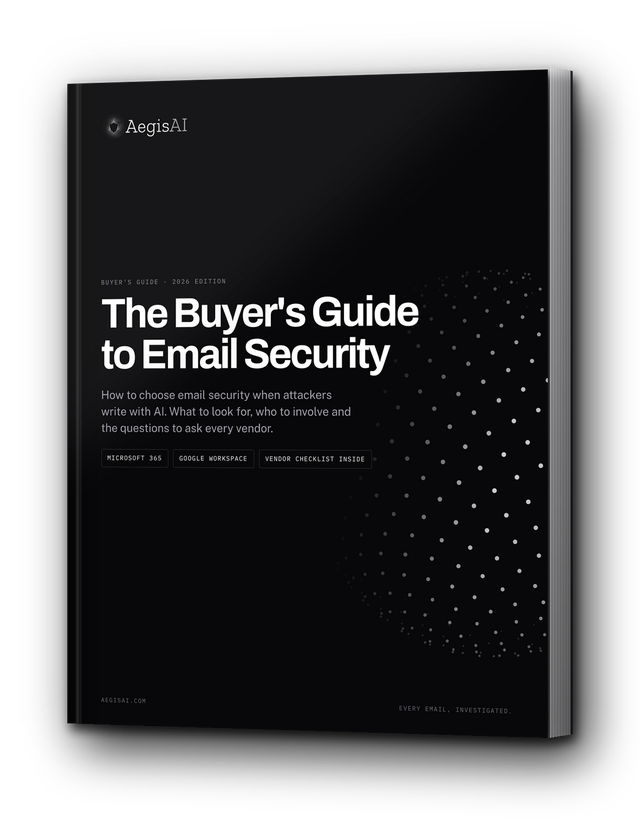
The Buyer's Guide to Email Security
AI writes a new phishing email for every target, with no earlier attack to match. This guide covers what to look for and the questions to ask every vendor.
-
3 in 10
confirmed phishing emails cleared native Gmail and Microsoft filters in Q3 2026
-
54%
of people clicked fully AI-written spear phishing, the same rate as human experts. Generic phishing: 12%
-
$3.05B
in business email compromise losses reported to the FBI in 2025
Built by the team behind Google Safe Browsing and reCAPTCHA. Backed by Battery Ventures, Accel and Foundation Capital.
Inside the guide
What the buyer's guide covers
- When to make a change: six signs your current tool is falling behind, from attacks reaching inboxes to verdicts nobody can explain
- Planning your search: turn last quarter's incidents into tests a vendor must pass on your own mail, and bring the right teams in early
- Nine areas to evaluate, from AI-enabled detection and pricing to compliance and support, each ending with the questions to ask every vendor
- A vendor checklist to compare AegisAI and two other providers side by side, line by line
Written for security leaders, email and IT administrators, and the procurement, legal and privacy teams who work with them.
FAQ
Questions about the guide
Who it is for, what is inside and how to get it.
Who is the guide for?
Security leaders, email and IT administrators, and the procurement, legal and privacy teams who work with them, at organizations running Microsoft 365 or Google Workspace.
Why does AI change how you choose email security?
Most email security decides by recognition. Rules and reputation ask whether a message matches an attack seen before. Behavioral models ask whether it looks different from normal. An attack written for one person, from a trusted sender, in a normal tone, gives both of them nothing to find. The guide covers what to ask a vendor instead.
What are the nine evaluation areas?
AI-enabled detection, ease of use, pricing and fees, configurability and flexibility, integrations, layered security, compliance and reporting, scalability and performance, and reputation and support. Each one ends with questions to put to every vendor, AegisAI included.
How should we run a proof of value?
Connect read-only, look back over recent mail, run beside your current tools and compare what each one caught. Agree in writing before you start: which attack types count, who labels the results, how false positives are measured, how long it runs and who signs off. The guide includes a planning checklist.
How do I get it?
Fill in the form at the top of this page and the guide is on the next page, ready to open. It is free.
Can AegisAI run a proof of value on our mail?
Yes. Connect Microsoft 365 or Google Workspace by API in about five minutes, with no MX change. AegisAI scans read-only beside your current stack, and on day five you review what it caught that your stack missed, each with its evidence. You keep the findings report either way. Book a demo to get started.
See what your current stack is missing.
Connect a tenant in monitoring mode and compare in five days.
Book a demoFive-minute connect · no MX change · you keep the findings report either way